

Seller Guide Sep 16, 2026
Purchasing a used automobile is an important choice. In addition to checking tires, opening the hood, and crawling underneath to check for rust, there is an even more important aspect in today's high-tech world that many people overlook until they drive home from the purchase – the electronics inside the vehicle. A problem with the radio or touchscreen could turn your new vehicle into a daily torture chamber.
Understanding how to inspect a used automobile's electronic systems will save you hundreds or even thousands of dollars in repair costs later. The cars of today have a lot more than just playing music; there are also systems like connectivity and navigation, as well as many other features and functions which you will need access to both when driving and after purchase. This guide will provide step-by-step instructions on how to check a vehicle's infotainment and audio systems prior to finalising the transaction.

Why Audio & Infotainment Are Now More Important Than Ever
Ten years ago, all you needed to listen to music in your car was a radio; Now, however, the vehicle’s audio system has become the ‘control center’ for everything from climate control, vehicle settings, safety features and smartphone integration. This means that if your vehicle audio system goes down, you will not only lose access to your favourite playlist, but also the ability to adjust your vehicle’s suspension or deactivate your lane-keep assist feature.
When checking out a used vehicle/audio system, the focus is on the system (the computer) that controls the driver experience. In addition, replacing used infotainment systems is not as easy as swapping out a DIN unit like in the past. The majority of these systems are integrated into the dashboard, and connected to the ECU (engine control unit) of the vehicle.
Step 1: Inspection by Sight
Before plugins in the device, check the condition of the device. Physically damaged equipment should trigger alarm bells.
Screen Inspection - The screen could be scratched, cracked, and have "dead pixels" (small black dots on the screen). Turn the screen off and look from an angle.
Button Inspection - Wiggle the volume knob and the tuning knob; does either knob feel loose/sticky? Press and release each button; do the buttons click/loud or mushy? Sticky buttons usually mean a previous owner's car had a soda spilled.
Port Inspection - Shine a light inside the USB port and the AUX port. Debris/bent pins will stop your phone from connecting to the device.
Aftermarket Mods - Did the previous owner install aftermarket subwoofers or speakers? Check underneath the dashboard and inside the trunk for messy wires. Poorly installed aftermarket audio equipment is commonly associated with electrical problems.
Step 2: Test the Power and Functionality
To power-up your vehicle, you should expect to see the system show the home screen fairly quickly after powering it on. If the home screen does not come on within 30 seconds after powering on, this may indicate that the processor is failing or aging.
Touchscreen Testing
In a car, one of the most likely components that could fail with age or damage is the digitizer or touch-sensitive area of the display.
The Drag Test: Take an icon (similar to moving an app on your mobile phone) and press down on it and then continue to drag it around the entire screen. If the icon "drops" off or becomes stuck at selected locations then these areas are no longer responsive.
Touch the corners of the screen: These areas usually suffer first from decreasing sensitivity due to excessive use of the touch screen device.
Connectivity Testing
Bluetooth: Pair your phone to the vehicle and conduct a test call. Verify with the recipient of the call that they can hear you without distortion. This will confirm that the vehicle's built-in microphone is functioning properly.
Apple CarPlay or Android Auto: Connect your phone to the vehicle's USB port. Does the connection open automatically? Gently wiggle the connection to see if it disconnects; if it does, the USB port could be faulty.

Step 3: The Audio Stress Testing Method
To diagnose if a blown speaker exists, be an active listener. You do not, however, need to be an audiophile to know.
Perform Fade and Balance Verification: To confirm the integrity of the individual speakers, check your audio settings to ensure that the speaker fades through all four corners. i.e.(front) left to front (right) rear to rear.
The Rattle Test: Play music that has noticeable bass (preferably hip hop) at least at 75% volume and check for any rattling coming from the doors. This may indicate either a blown cone or loose trim and should be checked out further.
Hissing Test: Increase the volume as before, but do not play any music. Listen for any high-pitched whining noise or static, as it is possible for a bad ground connection or alternator interference (common with poorly installed DIY systems).
Guidelines for Checking the Audio System
Component | What to Test | Warning Signs |
Speakers | Balance/Fader controls | Crackling, popping, silence in one corner |
Subwoofer | Bass-heavy tracks | Rattle, distortion at low volume |
Head Unit | CD/Radio/Bluetooth sources | Slow loading, random reboots, overheating |
Steering Wheel | Volume/Track buttons | Buttons require hard press, delayed reaction |
Microphone | Hands-free calling | Muffled voice, static, echo |
Step 4: Navigation & GPS :
It's not enough to load the map; you need to test the navigation system.
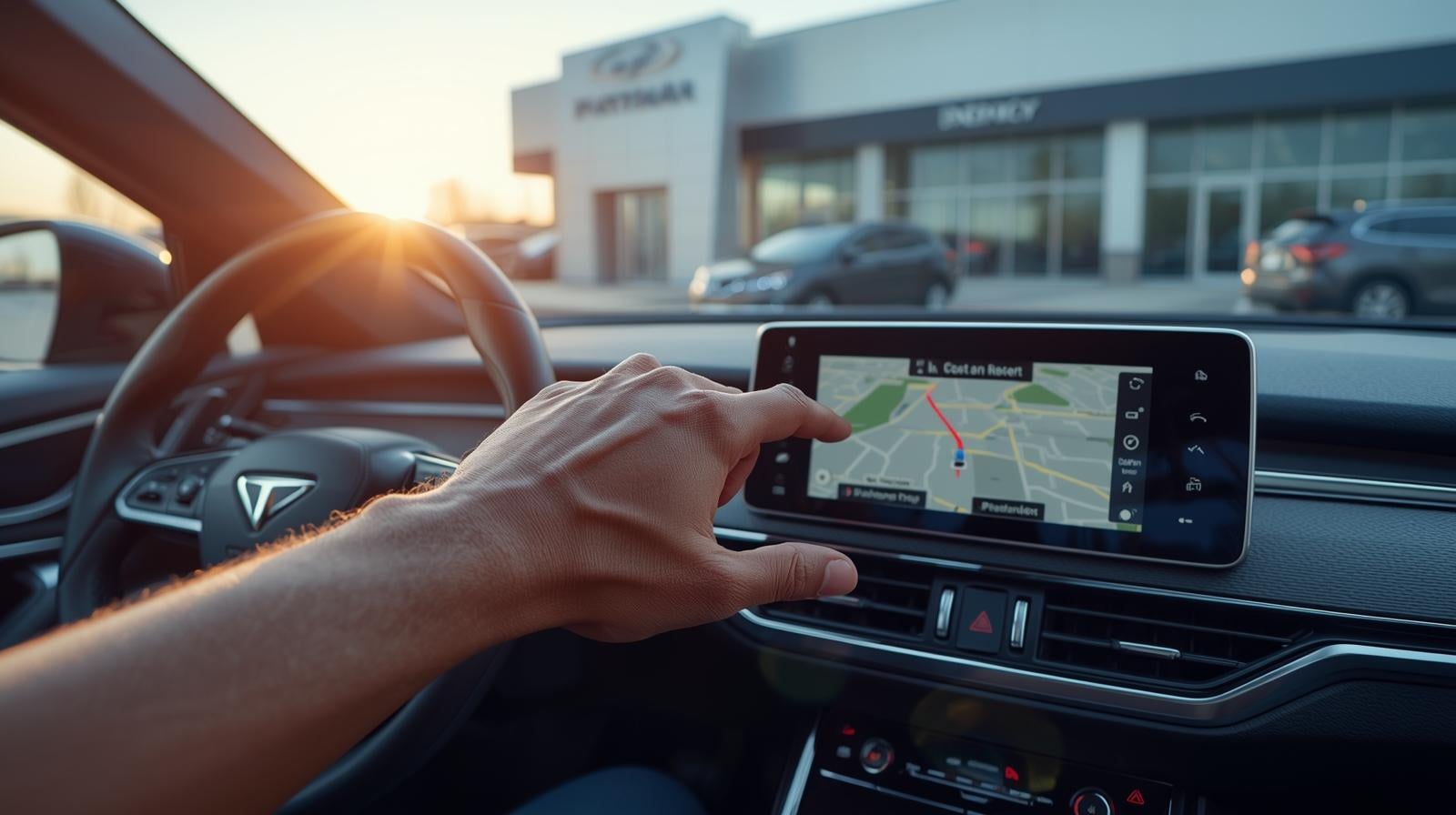
Setting a Destination: Enter a local address and see how quickly the system can calculate a route.
Checking an Location: Are the directions on the screen pointing to where the car is actually located? The GPS antenna sometimes fails and the car thinks it's three streets away.
Map Version: Check the map version in the settings. If the car is a 2018 but the maps are from 2015, contact the dealership to see whether they will provide a map update for the vehicle. These updates typically cost more than $150.

Pros and Cons of Manufacturer Systems vs. Aftermarket Systems
If you purchase a second-hand car you might encounter either the manufacturer's original system or a newly-installed aftermarket system from a previous owner. Each type has advantages and disadvantages.
Feature | Factory (OEM) Systems | Aftermarket Systems |
Integration | Perfect fit; controls vehicle settings (lights, locks) | Often requires adapters; may lose access to vehicle settings |
Aesthetics | Matches the dashboard design perfectly | Can look out of place; flashy lights or mismatched plastics |
Reliability | generally higher; built to withstand heat/cold | Varies wildly based on brand and installation quality |
Features | Can feel outdated on older models (no CarPlay) | Usually feature-rich; easier to get modern tech in old cars |
Resale Value | Typically better for resale | Can lower value unless it's a high-end professional install |
Step 5: Software & Firmware
Similar to your smartphone, the infotainment systems within your vehicles have software that needs to be updated periodically. Go to the settings and find the "system information" or "about" menu. The software version is located there. You may do a Google search for your vehicle's make and model along with "infotainment update" to see if a new version is available.
Why should I care?
Bug Fixes: Automakers typically release software updates to fix known issues with Bluetooth connection lag or freezing screens.
Phone Compatibility: If you have a new phone and do not update your vehicle's software, it may not sync properly with the older software.
DIY Vs Dealer Updates: You will want to determine whether or not you can perform an update yourself via a USB flash drive or if you will be required to go to a dealership for the update.
Recognizing Ghost Touch Issues
Some models (e.g., certain older Cadillac CUE systems and some Mazda screens) suffer from a particular problem called "ghost touch." In this case, the touch-screen device will record touches that did not actually happen.
Determining the Ghost Touch:
When your device is idle, does it update the position of the map?
Does it have random beeps that sound like buttons are pressed when there is no one near the device?
Is the radio station changing?
If you answer yes to any of these questions, walk away or replace the screen with a new one. The issue is not correctable through a software update. It's a hardware failure.
Cost of Neglect
Neglecting to check the stereo system while test driving is an inexperienced move. A modern infotainment head unit is such a costly item to replace.
Projected Replacement Prices:
Basic Touchscreen Unit: $400 - $800
Premium Brand Unit (BMW iDrive, Audi MMI): $1,500 - $3,000
Amplifier Replacement: $300 - $900
Door Speaker: $100 - $300
Use any audio issues as negotiating tools when trying to reduce the selling price. For instance, if the Bluetooth feature doesn't operate, then you can request $500 off the asking price.
Closing Note: Pay Attention
For most of us, we spend more time driving than we think and generally listen to the following: our favorite podcasts while in the car, our business calls while driving, and/or our favourite songs while driving.
Use this guide for checking the audio system on a used car and make sure the vehicle sounds great to drive! Don't allow the excitement of a new purchase to cause you to overlook any potential issues with the audio system of the vehicle. Spend an additional 10 minutes to connect your phone to the audio system and play some music, and check every part of the audio system, including the screen. Your future self will appreciate the effort when you're stuck in traffic six months from now.
Frequently Asked Questions (FAQs)
1. Is it possible to install either the Apple CarPlay or the Android Auto to your older entertainment systems?
Generally, yes, as long as you select a new head unit made by an aftermarket manufacturer like Pioneer or Sony. However, if you own a more recent model with a highly integrated dashboard, this may be a much more complicated and expensive task, than if you were working with an older vehicle. Before purchasing, it's vital to confirm that a "dash kit" is available for your particular year, make and model.
2. How to Identify High-End Audio Equipment in Pre-owned Vehicles
Check speakers for any branding/logos. Common brands are: Bose, Harman Kardon, Bang & Olufsen, Meridian, Fender, etc. Also check the original window sticker (if available) or settings menus of the vehicle which will usually show surround-sound capabilities (i.e., 5.1) specific to models with a premium audio package, while other lower-tier models would not have those options.
3. While the Bluetooth is connected, the audio skips, indicating a malfunction?
Not at all. This can occur from compatibility issues with the mobile device or an old software version on the vehicle unit. Restart your smart phone and delete the device from both devices, and if you continue to have issues with another device, there could be a problem with the bluetooth module of the vehicle.
4. The purpose of the "aux" port and whether or not I really need it?
An AUX port is a headphone jack input that allows you to play music through a cabled connection with the device. Although Bluetooth and USB have largely replaced it as an option, it is a great option to have if your Bluetooth connection fails and someone else in the car wants to listen to something without pairing their phone or device to the car.
5. If the Infotainment Screen Is Cracked, But Still Functions Should I Buy This Vehicle?
There are inherent risks. Cracks allow moisture to enter the interior, which will eventually damage the electrical components containing the electronics. Cracks may also continue to spread due to increasing heat and motion within the automobile. Therefore, if you are going to make this purchase, make sure to have the cost of replacing the screen negotiated as part of the final cost.