

Ready to Sell Your Car in Bolivia?
Create Your Listing. Start the Conversation.
-
Add Up to 25 Photos

-
Include a 30-Second Video

-
Promote Your Listing

-
Enhance Photos with AI

-
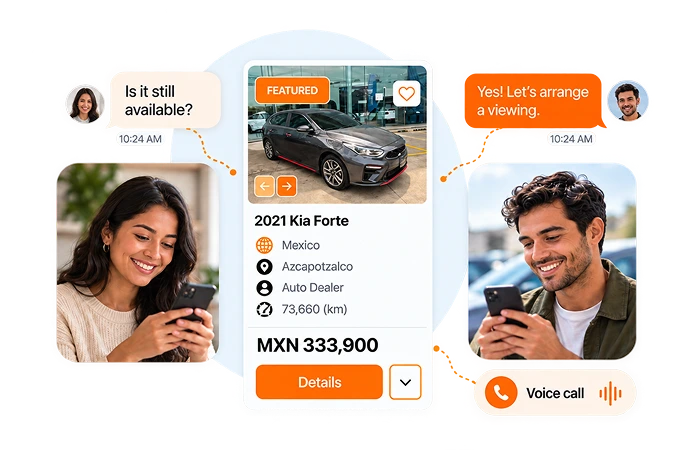
Connect Through Secure Chat & Voice Calls


How It Works
3 Simple Steps to Sell Your Car in Bolivia
 1
Describe Your Car
Tell buyers about your car: year, make, model, mileage, and features. Add your location to complete the vehicle details.
 2
Choose Price & Plan
Add your asking price, up to 25 photos, and a 30-second video. Select the listing plan that fits your needs.
 3
Publish Your Listing
Make sure your car’s information is correct, then publish on CarAgencia so interested buyers can find your listing and contact you.
1
Describe Your Car
Tell buyers about your car: year, make, model, mileage, and features. Add your location to complete the vehicle details.
2
Choose Price & Plan
Add your asking price, up to 25 photos, and a 30-second video. Select the listing plan that fits your needs.
3
Publish Your Listing
Make sure your car’s information is correct, then publish on CarAgencia so interested buyers can find your listing and contact you.
Tools to Help You Sell Your Car in Bolivia

One Listing, Multiple Platforms
Give your car more exposure by sharing one listing across multiple platforms.

Secure Voice & Chat
Keep conversations moving with secure voice calls and real-time messaging.

Up to 25 Photos
Help buyers explore your car with up to 25 photos showing its features and condition.

Featured Placement
Give your car added visibility with an upgrade to featured listing placement.

30-Second Video
Give buyers a video tour of your car’s interior and condition in up to 30 seconds.

Free KarStudio Credits
Give your listing photos a polished look with free AI photo credits from KarStudio.

Newly Listed Badge
Show buyers your car is newly listed with a badge that helps it stand out in local searches.

Dedicated Support
Have a question about your listing? Reach our support team through email or WhatsApp.
One Listing, Multiple Platforms
Give your car more exposure by sharing one listing across multiple platforms.
Secure Voice & Chat
Keep conversations moving with secure voice calls and real-time messaging.
Up to 25 Photos
Help buyers explore your car with up to 25 photos showing its features and condition.
Featured Placement
Give your car added visibility with an upgrade to featured listing placement.
30-Second Video
Give buyers a video tour of your car’s interior and condition in up to 30 seconds.
Free KarStudio Credits
Give your listing photos a polished look with free AI photo credits from KarStudio.
Newly Listed Badge
Show buyers your car is newly listed with a badge that helps it stand out in local searches.
Dedicated Support
Have a question about your listing? Reach our support team through email or WhatsApp.
STAY CONNECTED WITH BUYERS
Stay Online. Stay in Touch with Buyers.
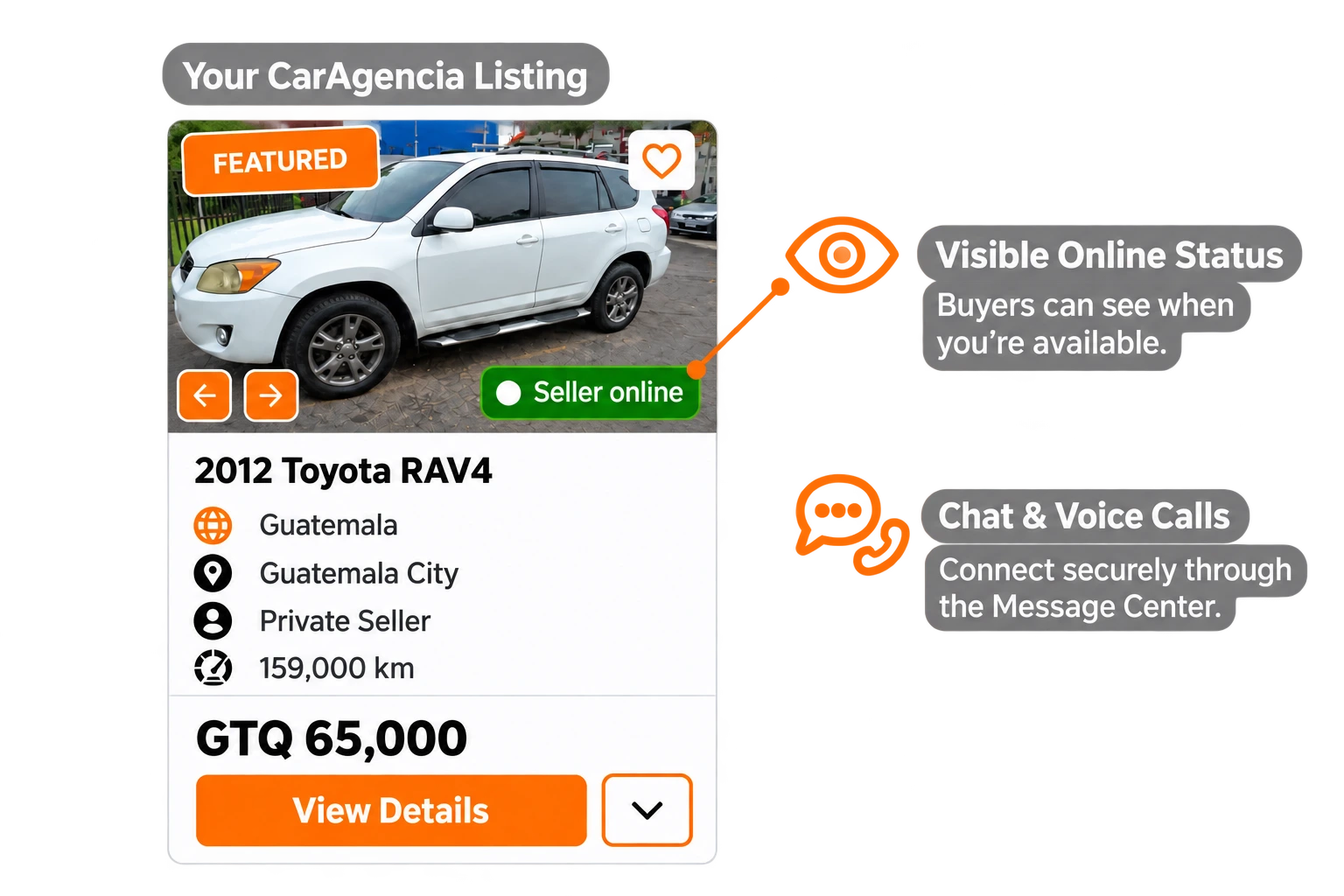
Show buyers when you’re online and available. Use CarAgencia’s secure chat and voice calls to keep the conversation going.
Start Listing


Grow Your Car Dealership in Bolivia
Manage, promote, and sell your inventory with tools built for Bolivia dealerships.
Join CarAgencia Today
-

Update Your Stock with Ease
Add vehicles and edit listing details from your dealer panel.
-

Showcase Your Dealership Online
Create a dedicated online showroom that lets buyers explore your vehicles anytime.
-

Support for Your Inventory Marketing
Give your vehicle listings added exposure through marketing support for your inventory.
-

Personalized Support in Bolivia
Get help managing your listings and using the tools in your dealer panel.
Selling Your Car in Bolivia? Know the Steps.
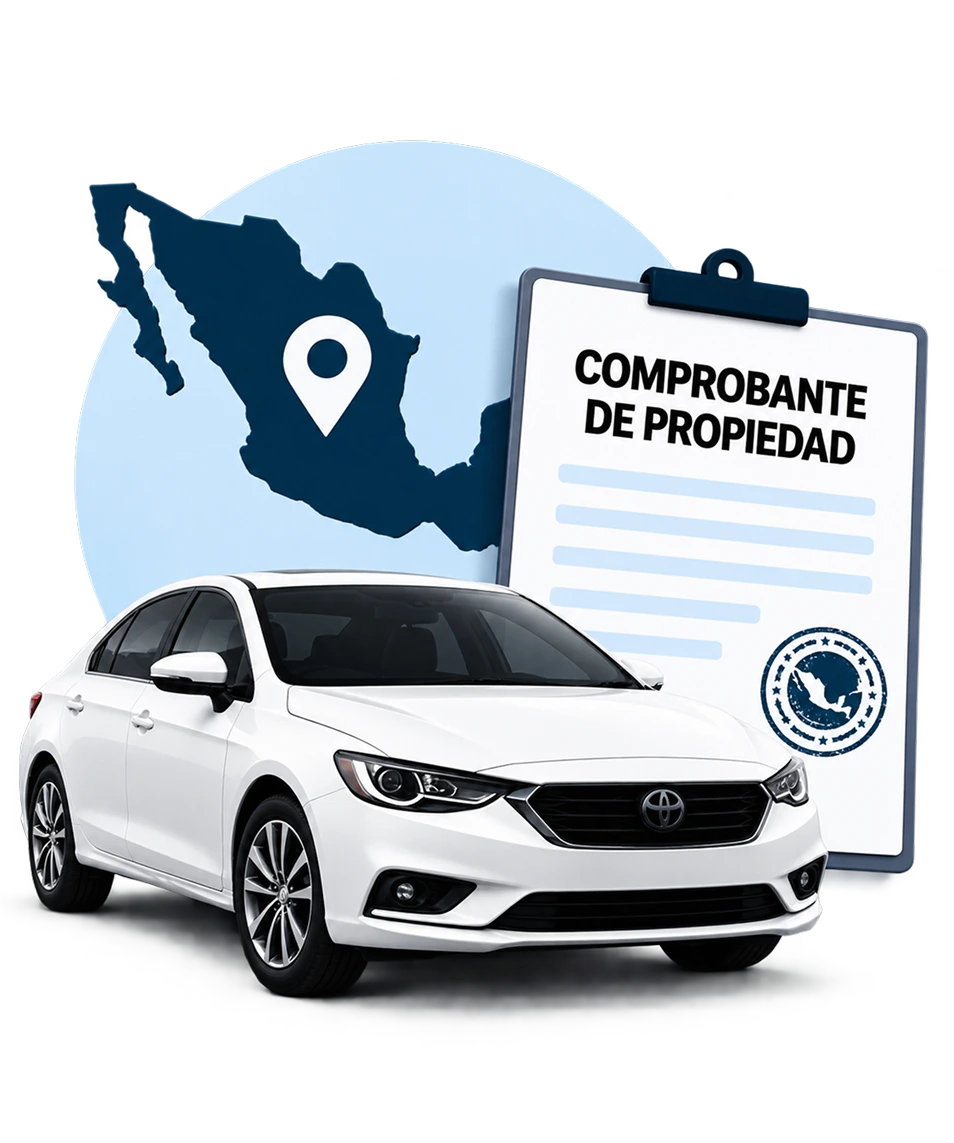
Our Bolivia Seller Guide walks through sale preparation, required documents, ownership transfers, taxes and fees, pricing, and safety when connecting with buyers.
-
 Ownership Transfer
-
 Required Documents
-
 Taxes & Fees
-
 Safe Buyer Interactions
-
 Step-by-Step Guidance
Frequently Asked Questions

Click “Start Listing” and enter your vehicle details, asking price and actual location in Bolivia. Whether you’re in Santa Cruz de la Sierra, La Paz or Cochabamba, use the city where buyers can view the car. Add photos and a description, choose your listing option and submit it for review.

Give buyers the vehicle’s make, model, year, mileage, condition, price and location. Show the exterior, cabin and any visible damage, and describe maintenance and known faults. A specific viewing area, such as a district in Santa Cruz de la Sierra, is more useful than naming only the country; keep your home address out of the public description.
CarAgencia is a vehicle marketplace, not the buyer of your car. Your listing lets interested buyers explore the vehicle and contact you directly. You decide the asking price and accept or decline offers; the sale agreement and ownership paperwork remain between you and the buyer in Bolivia.
Your listing becomes visible after our team reviews and approves it. Check that the vehicle details, price, photos and city are complete and accurate before submitting. This review is part of publishing on CarAgencia and does not replace the legal steps for transferring the vehicle.
Manage buyer chats and voice calls in the CarAgencia Message Center. Share the details needed to arrange a viewing in Santa Cruz de la Sierra, La Paz or your area, without giving out your personal phone number. Respond regularly so interested buyers know how to reach you.
Review comparable listings in Santa Cruz de la Sierra, La Paz and your surrounding area before setting a price. Explain what is included, show the cabin and exterior clearly, and disclose known faults. Make the price and currency unambiguous, then answer buyer questions promptly.
Sign in, open “Manage Cars” and deactivate the listing so buyers know it is no longer available. Coordinate the municipal vehicle-registration change and any applicable transfer tax. RUAT states that an ownership change requires updated registration data and a new vehicle ownership certificate, the CRPVA. Removing the listing does not transfer legal ownership.