

Sell Your Car in Mexico—Start Here
Tell Your Car’s Story Through Photos and Video.
-
Add Up to 25 Photos

-
Include a 30-Second Video

-
Promote Your Listing

-
Enhance Photos with AI

-
Connect Through Secure Chat & Voice Calls


How It Works
Sell Your Car in Mexico: 3 Simple Steps
 1
Start Your Listing
Enter your car’s year, make, and model. Add mileage, features, and location to give buyers a useful first look.
 2
Add Price & Photos
Choose your asking price, upload up to 25 photos and a 30-second video, and select the listing plan you want.
 3
Review & Publish
Review your listing and publish it on CarAgencia. Buyers can see your car’s details and contact you to learn more.
1
Start Your Listing
Enter your car’s year, make, and model. Add mileage, features, and location to give buyers a useful first look.
2
Add Price & Photos
Choose your asking price, upload up to 25 photos and a 30-second video, and select the listing plan you want.
3
Review & Publish
Review your listing and publish it on CarAgencia. Buyers can see your car’s details and contact you to learn more.
Tools to Help You Sell Your Car in Mexico

One Listing, Multiple Platforms
List your car once to reach potential buyers across multiple platforms.

Secure Voice & Chat
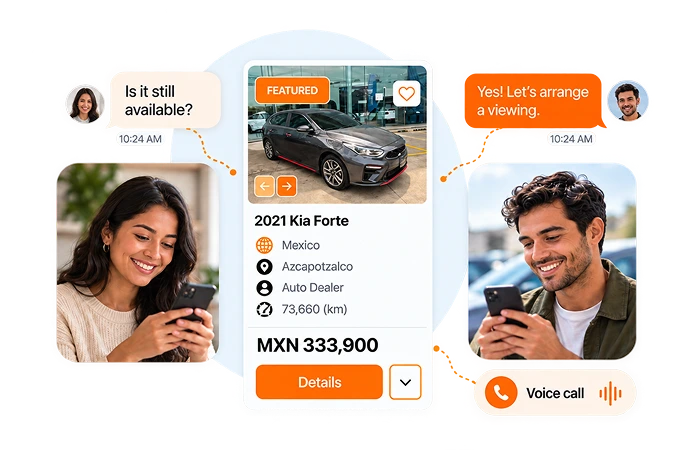
Answer buyer questions through secure chat and voice calls in one place.

Up to 25 Photos
Add up to 25 photos so buyers can see more of your car before contacting you.

Featured Placement
Upgrade to featured placement to give your listing priority and more visibility among buyers.

30-Second Video
Give buyers a video tour of your car’s interior and condition in up to 30 seconds.

Free KarStudio Credits
Improve the presentation of your listing photos using free KarStudio credits and AI tools.

Newly Listed Badge
Make your new listing easier to notice with a badge highlighting it as newly listed.

Dedicated Support
Get answers to your listing questions with dedicated support by email and WhatsApp.
One Listing, Multiple Platforms
List your car once to reach potential buyers across multiple platforms.
Secure Voice & Chat
Answer buyer questions through secure chat and voice calls in one place.
Up to 25 Photos
Add up to 25 photos so buyers can see more of your car before contacting you.
Featured Placement
Upgrade to featured placement to give your listing priority and more visibility among buyers.
30-Second Video
Give buyers a video tour of your car’s interior and condition in up to 30 seconds.
Free KarStudio Credits
Improve the presentation of your listing photos using free KarStudio credits and AI tools.
Newly Listed Badge
Make your new listing easier to notice with a badge highlighting it as newly listed.
Dedicated Support
Get answers to your listing questions with dedicated support by email and WhatsApp.
STAY CONNECTED WITH BUYERS
Show Buyers When You’re Ready to Chat
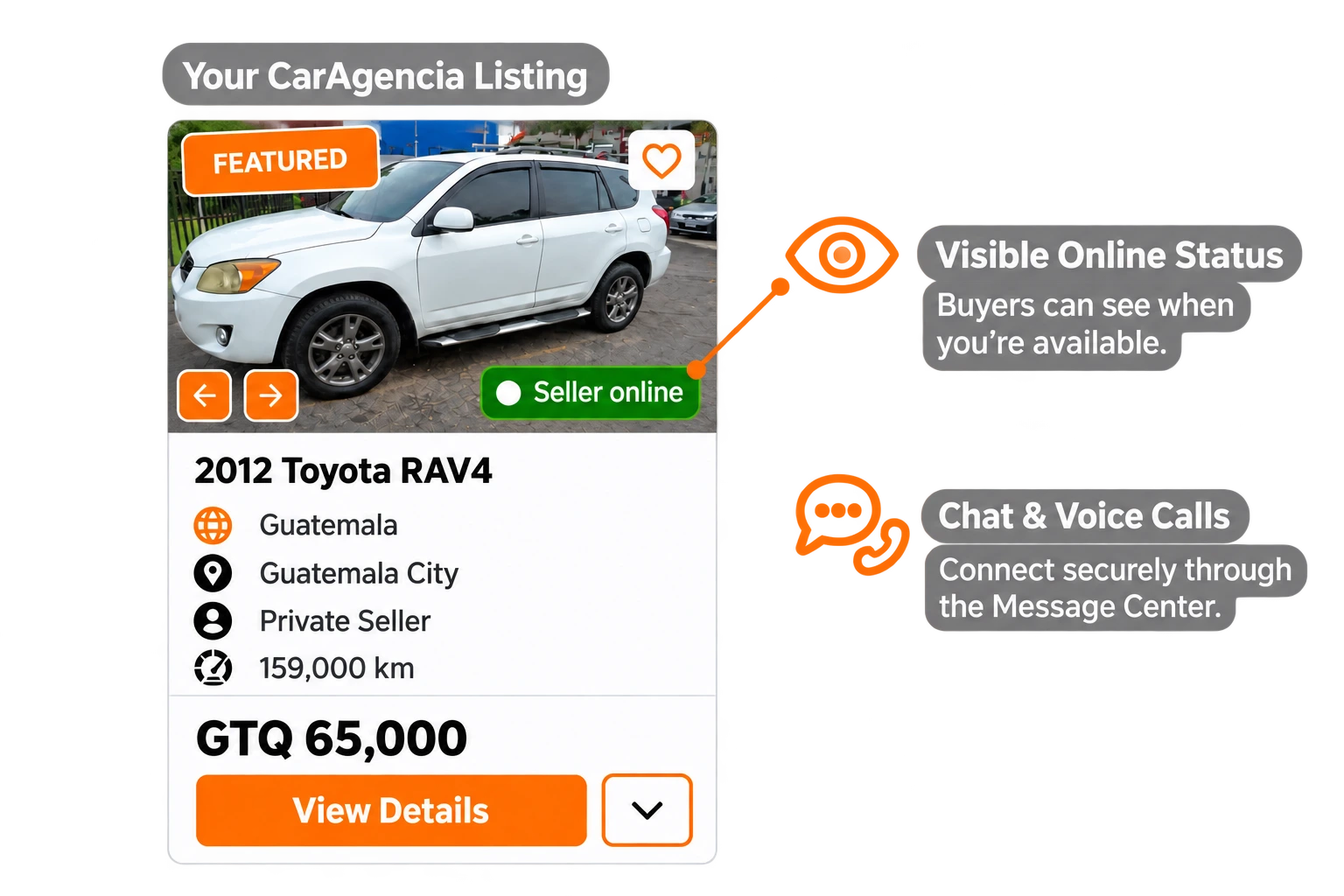
Be visible as available with your online badge. Chat securely or take a voice call from interested buyers through CarAgencia.
Start Listing


Grow Your Car Dealership in Mexico
Manage, promote, and sell your inventory with tools built for Mexico dealerships.
Join CarAgencia Today
-

Manage Your Inventory Easily
Add, edit, and manage all your vehicles from one place.
-

Your Professional Digital Showroom
Give buyers a place to discover your dealership and browse its inventory 24/7.
-

Promote Your Inventory
Help buyers discover your vehicles with CarAgencia’s inventory marketing support.
-

Dedicated Support in Mexico
Ask our support team for guidance on your inventory, listings, and dealer tools.
Understand the Car-Selling Process in Mexico
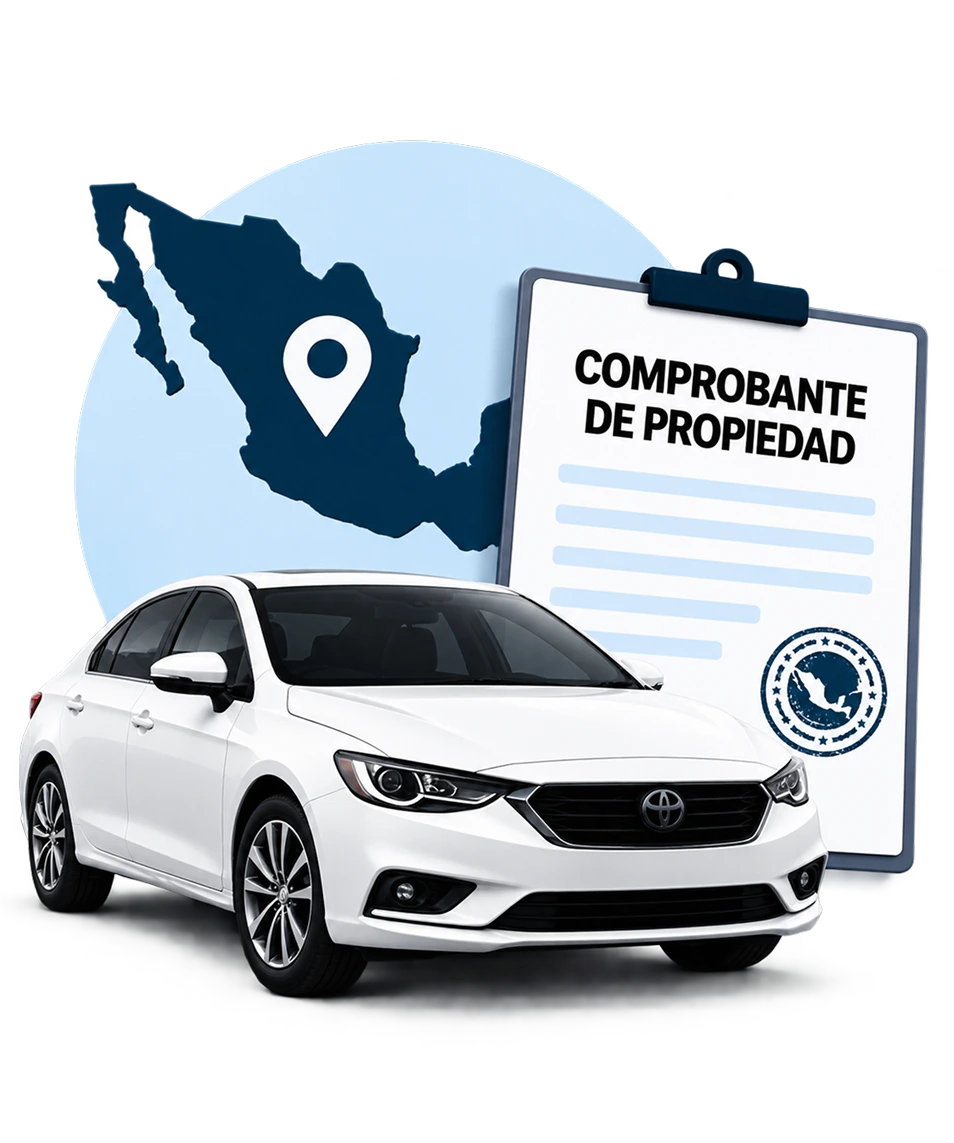
Our Mexico Seller Guide walks through sale preparation, required documents, ownership transfers, taxes and fees, pricing, and safety when connecting with buyers.
-
 Ownership Transfer
-
 Required Documents
-
 Taxes & Fees
-
 Safe Buyer Interactions
-
 Step-by-Step Guidance
Frequently Asked Questions

Click “Start Listing” and enter your vehicle details, asking price and actual location in Mexico. Whether you’re in Ciudad de México, Guadalajara or Monterrey, use the city where buyers can view the car. Add photos and a description, choose your listing option and submit it for review.

Include the make, model, year, mileage, condition, asking price and viewing location. Add clear photos, service history, equipment and known defects. Describe the mileage units accurately and identify your area in Ciudad de México or elsewhere in Mexico; this is listing information, separate from the documents needed for the legal transfer.
CarAgencia connects sellers in Mexico with potential buyers; it does not purchase your vehicle. You set the asking price, discuss offers directly and choose whom to sell to. The buyer and seller are responsible for agreeing on the sale and completing the applicable ownership-transfer process.
Submitting your car starts the review process; the listing goes live after approval. Clear photos, an accurate description and a precise location help avoid preventable delays. Check your account for any information our team needs to finish the review.
Use CarAgencia’s Message Center for chat and voice calls. You can answer questions, discuss offers and arrange a viewing in Ciudad de México or your selected city without publishing your personal phone number. Agree on the exact meeting location privately with the buyer.
Help local buyers understand both the car and where they can see it. Compare similar vehicles in Ciudad de México or Monterrey, choose a realistic price, and include service history and any repairs. Good photos and an accurate description are more useful than unsupported claims about the car’s condition.
Sign in, open “Manage Cars” and deactivate the listing so buyers know it is no longer available. Check the ownership-change and any seller-notification requirements in the vehicle’s state of registration. For example, Mexico City uses SEMOVI’s cambio de propietario process to update its vehicle register; other states have their own procedures. Removing the listing does not transfer legal ownership.