

Sell Your Car in Colombia—Start Here
Your Car. Your Listing. Your Next Buyer.
-
Add Up to 25 Photos

-
Include a 30-Second Video

-
Promote Your Listing

-
Enhance Photos with AI

-
Connect Through Secure Chat & Voice Calls


How It Works
Sell Your Car in Colombia: Start with 3 Steps
 1
Describe Your Car
Enter the year, make, model, and mileage. Describe your car’s features and add its location to help buyers learn more.
 2
Choose Price & Plan
Set your price and show your car with up to 25 photos and a 30-second video. Choose your listing plan.
 3
Publish Your Listing
Review your car’s details and publish your listing on CarAgencia. Interested buyers can discover it and start a conversation with you.
1
Describe Your Car
Enter the year, make, model, and mileage. Describe your car’s features and add its location to help buyers learn more.
2
Choose Price & Plan
Set your price and show your car with up to 25 photos and a 30-second video. Choose your listing plan.
3
Publish Your Listing
Review your car’s details and publish your listing on CarAgencia. Interested buyers can discover it and start a conversation with you.
Benefits of Listing Your Car in Colombia with CarAgencia

One Listing, Multiple Platforms
Reach buyers across multiple platforms with a single car listing.

Secure Voice & Chat
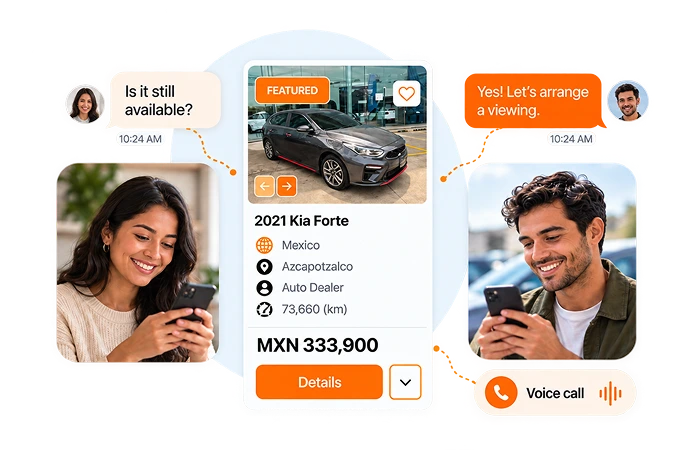
Keep conversations moving with secure voice calls and real-time messaging.

Up to 25 Photos
Add up to 25 photos so buyers can see more of your car before contacting you.

Featured Placement
Upgrade your listing for a featured position that helps buyers notice your car.

30-Second Video
Show your car’s condition, interior, and engine sound with a video of up to 30 seconds.

Free KarStudio Credits
Enhance your car’s photos with AI using your free KarStudio credits.

Newly Listed Badge
Show buyers your car is newly listed with a badge that helps it stand out in local searches.

Dedicated Support
Get answers to your listing questions with dedicated support by email and WhatsApp.
One Listing, Multiple Platforms
Reach buyers across multiple platforms with a single car listing.
Secure Voice & Chat
Keep conversations moving with secure voice calls and real-time messaging.
Up to 25 Photos
Add up to 25 photos so buyers can see more of your car before contacting you.
Featured Placement
Upgrade your listing for a featured position that helps buyers notice your car.
30-Second Video
Show your car’s condition, interior, and engine sound with a video of up to 30 seconds.
Free KarStudio Credits
Enhance your car’s photos with AI using your free KarStudio credits.
Newly Listed Badge
Show buyers your car is newly listed with a badge that helps it stand out in local searches.
Dedicated Support
Get answers to your listing questions with dedicated support by email and WhatsApp.
STAY CONNECTED WITH BUYERS
Ready to Talk About Your Car?
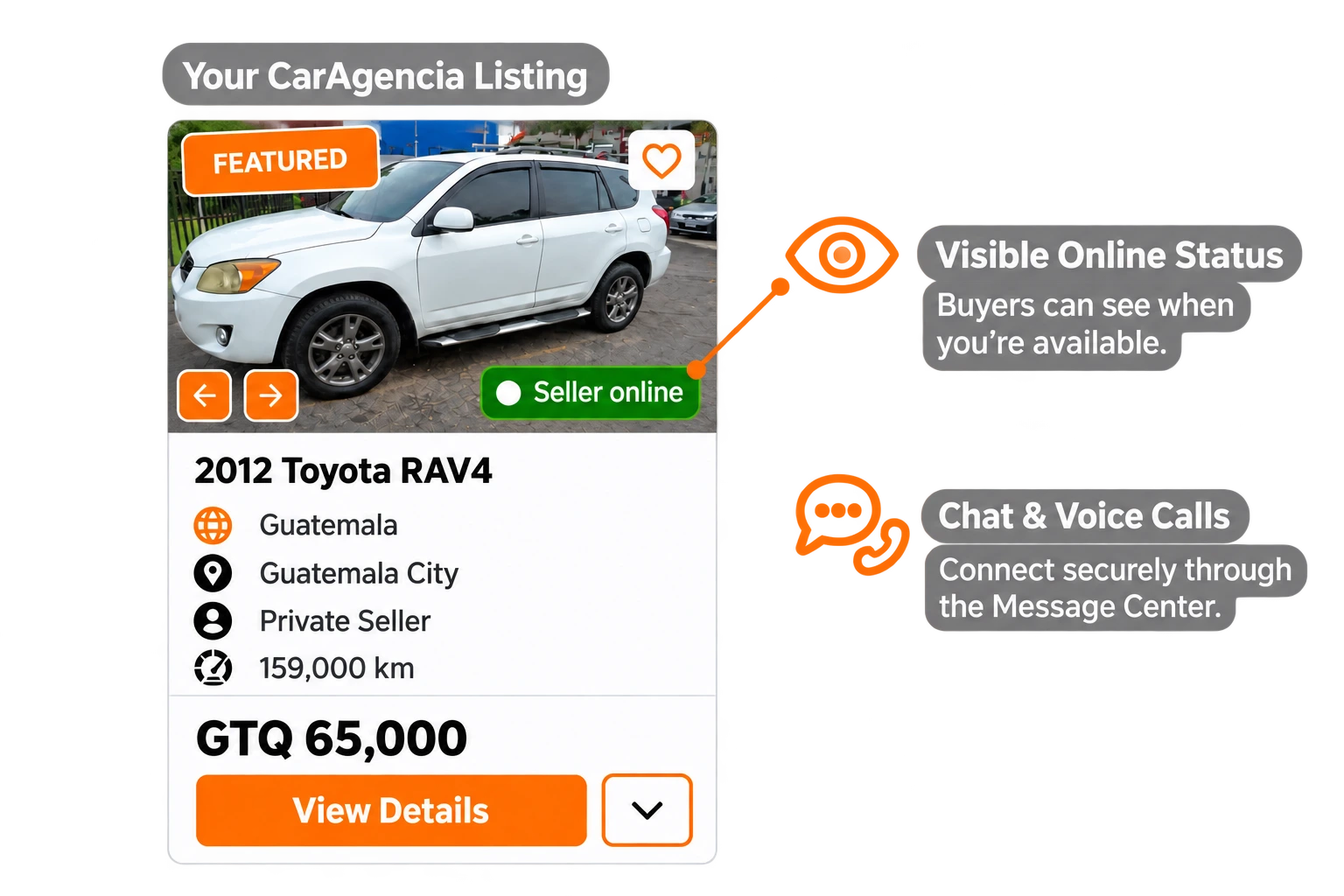
Let your online badge tell buyers you’re ready to talk. Connect through secure chat and voice calls on CarAgencia.
Start Listing


Grow Your Car Dealership in Colombia
Manage, promote, and sell your inventory with tools built for Colombia dealerships.
Join CarAgencia Today
-

Your Inventory in One Place
Manage your vehicle listings together and update details as your inventory changes.
-

A Digital Home for Your Dealership
Create a dedicated online showroom that lets buyers explore your vehicles anytime.
-

Bring More Eyes to Your Vehicles
Use CarAgencia’s marketing support to put your inventory in front of potential buyers.
-

Dealer Support in Colombia
Ask our support team for guidance on your inventory, listings, and dealer tools.
What to Know Before Selling Your Car in Colombia
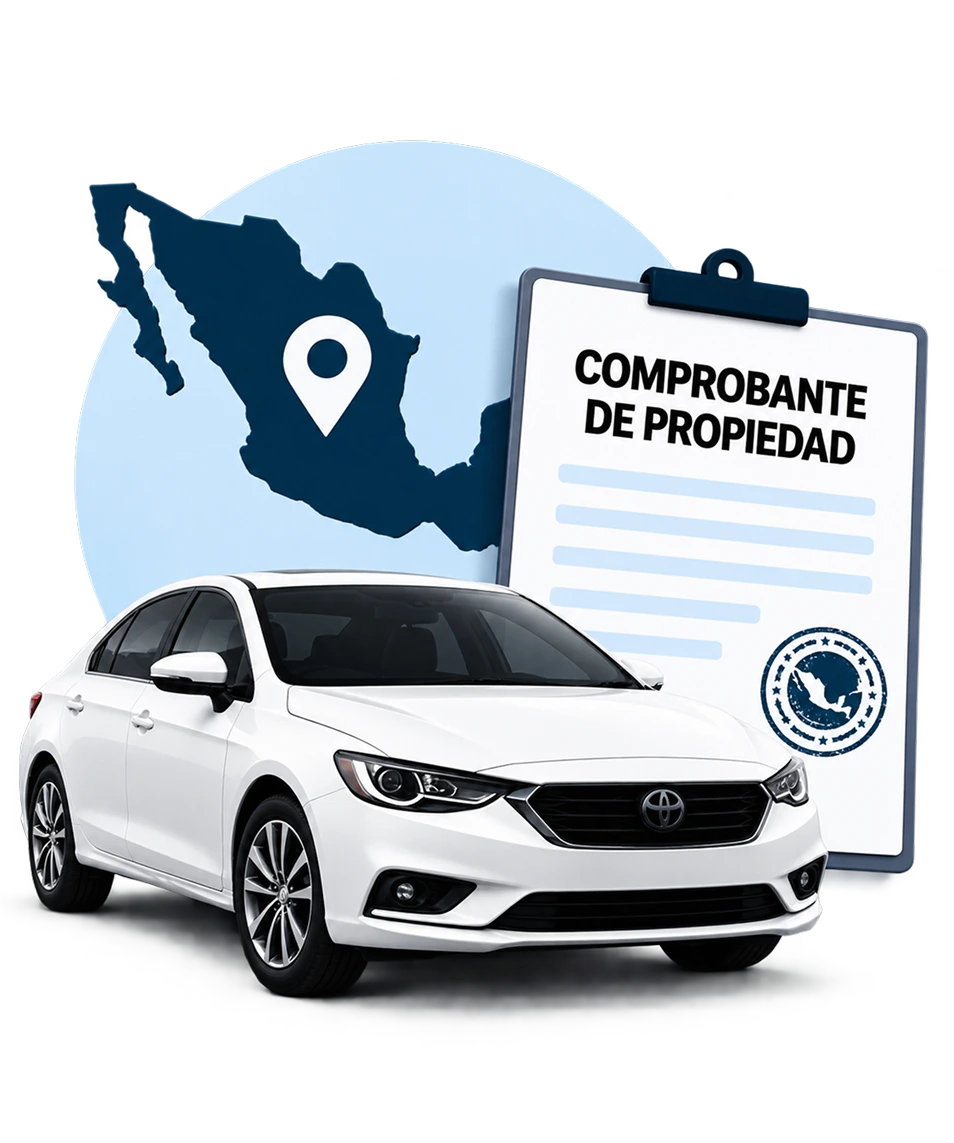
Explore our Colombia Seller Guide for ownership transfers, required documents, taxes and fees, pricing tips, and practical steps for dealing with buyers safely.
-
 Ownership Transfer
-
 Required Documents
-
 Taxes & Fees
-
 Safe Buyer Interactions
-
 Step-by-Step Guidance
Frequently Asked Questions

Click “Start Listing” and enter your vehicle details, asking price and actual location in Colombia. Whether you’re in Bogotá, Medellín or Cali, use the city where buyers can view the car. Add photos and a description, choose your listing option and submit it for review.

Give buyers the vehicle’s make, model, year, mileage, condition, price and location. Show the exterior, cabin and any visible damage, and describe maintenance and known faults. A specific viewing area, such as a district in Bogotá, is more useful than naming only the country; keep your home address out of the public description.
CarAgencia is a vehicle marketplace, not the buyer of your car. Your listing lets interested buyers explore the vehicle and contact you directly. You decide the asking price and accept or decline offers; the sale agreement and ownership paperwork remain between you and the buyer in Colombia.
Your listing becomes visible after our team reviews and approves it. Check that the vehicle details, price, photos and city are complete and accurate before submitting. This review is part of publishing on CarAgencia and does not replace the legal steps for transferring the vehicle.
Manage buyer chats and voice calls in the CarAgencia Message Center. Share the details needed to arrange a viewing in Bogotá, Medellín or your area, without giving out your personal phone number. Respond regularly so interested buyers know how to reach you.
Review comparable listings in Bogotá, Medellín and your surrounding area before setting a price. Explain what is included, show the cabin and exterior clearly, and disclose known faults. Make the price and currency unambiguous, then answer buyer questions promptly.
Sign in, open “Manage Cars” and deactivate the listing so buyers know it is no longer available. Complete the traspaso with the competent tránsito authority. Both parties must be registered in RUNT; verify the sale document, SOAT, applicable technical inspection, and outstanding fines and vehicle taxes before filing. Removing the listing does not transfer legal ownership.