

Sell Your Car Online in Chile with CarAgencia
Show Buyers What Makes Your Car Stand Out.
-
Add Up to 25 Photos

-
Include a 30-Second Video

-
Promote Your Listing

-
Enhance Photos with AI

-
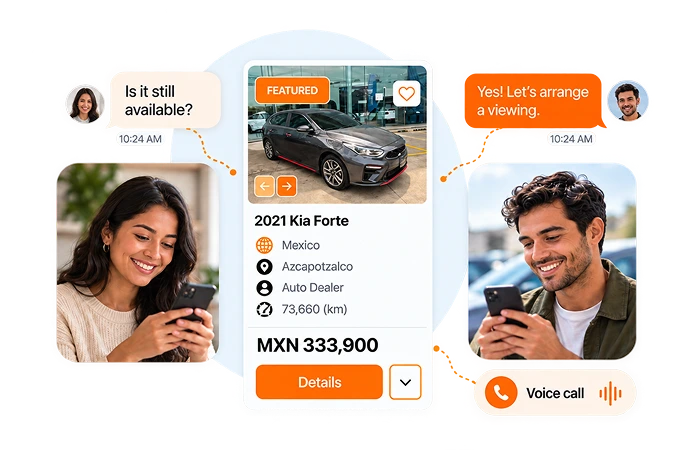
Connect Through Secure Chat & Voice Calls


How It Works
Sell Your Car Online in Chile in 3 Simple Steps
 1
Enter Your Car’s Details
Create your listing with the year, make, and model. Add mileage, features, and location to introduce your car to buyers.
 2
Set Price & Add Photos
Decide on your asking price, upload up to 25 photos and a 30-second video, and pick your listing plan.
 3
Check & Publish
Check the details, then publish on CarAgencia. Your listing gives buyers a place to see your car and contact you.
1
Enter Your Car’s Details
Create your listing with the year, make, and model. Add mileage, features, and location to introduce your car to buyers.
2
Set Price & Add Photos
Decide on your asking price, upload up to 25 photos and a 30-second video, and pick your listing plan.
3
Check & Publish
Check the details, then publish on CarAgencia. Your listing gives buyers a place to see your car and contact you.
Sell Your Car in Chile with These Listing Benefits

One Listing, Multiple Platforms
List your car once to reach potential buyers across multiple platforms.

Secure Voice & Chat
Connect directly with buyers using secure voice calls and live chat.

Up to 25 Photos
Build a detailed photo gallery with up to 25 images that showcase your car.

Featured Placement
Upgrade your listing for a featured position that helps buyers notice your car.

30-Second Video
Use a video of up to 30 seconds to highlight your car’s features, condition, and engine sound.

Free KarStudio Credits
Improve the presentation of your listing photos using free KarStudio credits and AI tools.

Newly Listed Badge
Highlight your recently published car listing with a badge buyers can spot while browsing your area.

Dedicated Support
Find support for your listing by contacting our team through email or WhatsApp.
One Listing, Multiple Platforms
List your car once to reach potential buyers across multiple platforms.
Secure Voice & Chat
Connect directly with buyers using secure voice calls and live chat.
Up to 25 Photos
Build a detailed photo gallery with up to 25 images that showcase your car.
Featured Placement
Upgrade your listing for a featured position that helps buyers notice your car.
30-Second Video
Use a video of up to 30 seconds to highlight your car’s features, condition, and engine sound.
Free KarStudio Credits
Improve the presentation of your listing photos using free KarStudio credits and AI tools.
Newly Listed Badge
Highlight your recently published car listing with a badge buyers can spot while browsing your area.
Dedicated Support
Find support for your listing by contacting our team through email or WhatsApp.
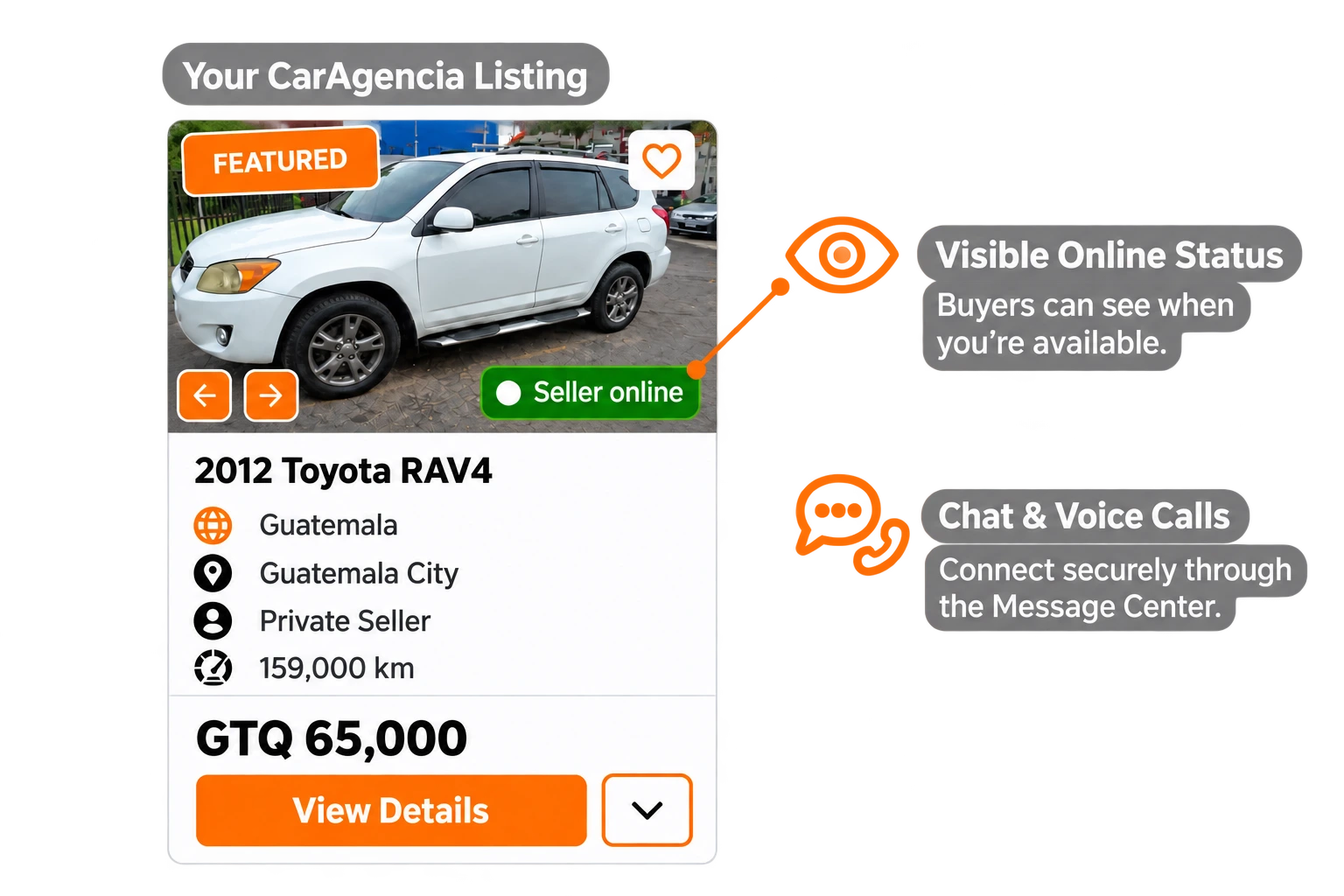
STAY CONNECTED WITH BUYERS
Let Buyers See You’re Online
Be visible as available with your online badge. Chat securely or take a voice call from interested buyers through CarAgencia.
Start Listing


Grow Your Car Dealership in Chile
Manage, promote, and sell your inventory with tools built for Chile dealerships.
Join CarAgencia Today
-

Manage Your Inventory Easily
Add, edit, and manage all your vehicles from one place.
-

Your Professional Digital Showroom
Present your dealership and inventory on a dedicated page, available around the clock.
-

Promote Your Inventory
Give your vehicle listings added exposure through marketing support for your inventory.
-

Dedicated Support in Chile
Receive personalized assistance with your dealership account and inventory management.
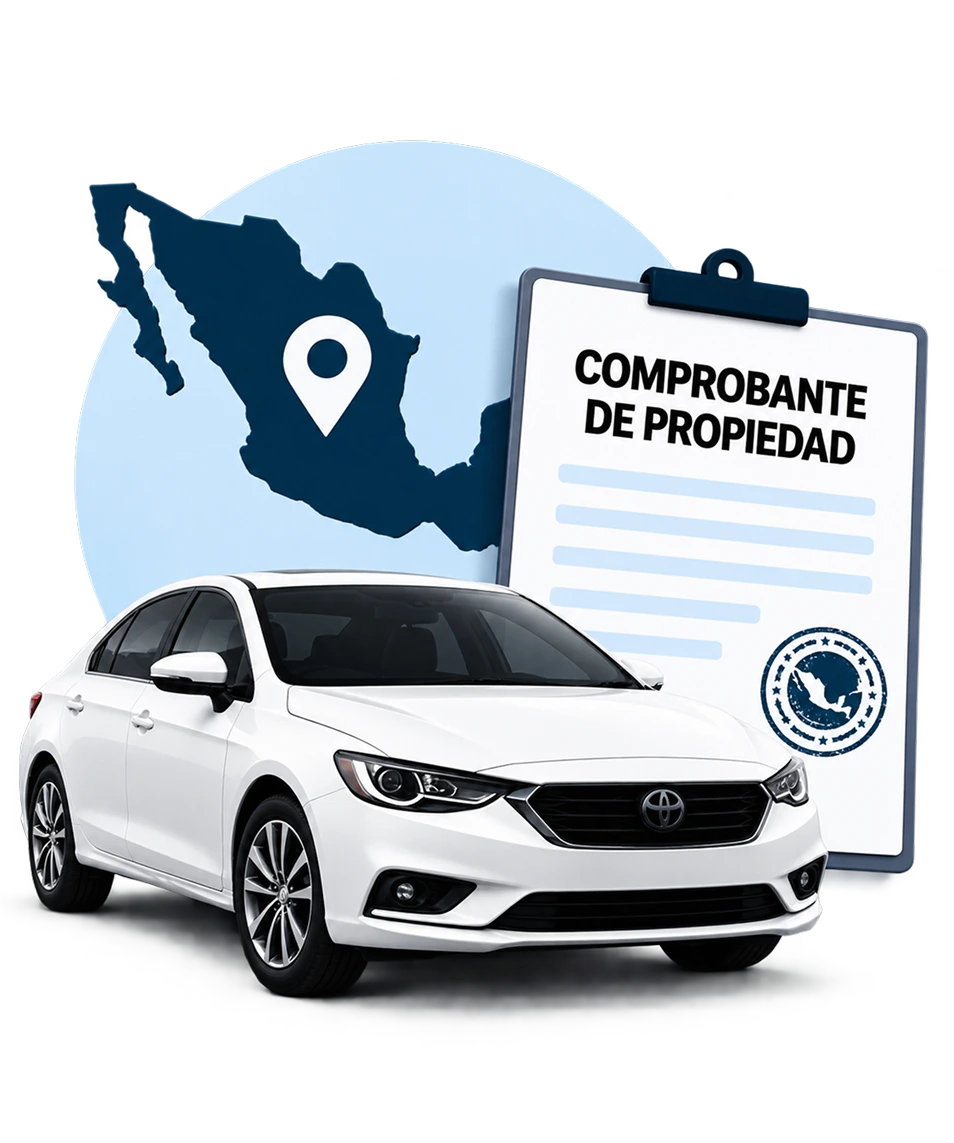
Plan Your Car Sale in Chile with Our Seller Guide
Learn what to prepare before selling in Chile, from vehicle documents and ownership transfers to taxes and fees, pricing decisions, and dealing with buyers safely.
-
 Ownership Transfer
-
 Required Documents
-
 Taxes & Fees
-
 Safe Buyer Interactions
-
 Step-by-Step Guidance
Frequently Asked Questions

Click “Start Listing” and enter your vehicle details, asking price and actual location in Chile. Whether you’re in Santiago, Valparaíso or Concepción, use the city where buyers can view the car. Add photos and a description, choose your listing option and submit it for review.

Prepare the year, make, model, mileage, condition and asking price, plus clear photos and your location in Santiago, Valparaíso or another city. Explain service history, features and known issues. If the vehicle has an import or repair history, describe it accurately so buyers can assess it before arranging a visit.
You use CarAgencia to find a buyer, rather than sell the car to CarAgencia. You control your price and negotiate directly with interested people. For a sale in Chile, agree on the payment and handover arrangements with your buyer and complete the local transfer requirements separately.
Our team checks your submission before the listing is published. Include the correct model, price and viewing city, and make sure the photos match the vehicle. Once approved, the listing is available for buyers to browse and contact you.
Buyers can message or call you through CarAgencia’s Message Center. Keep questions, offers and viewing arrangements there to avoid sharing your personal number. Confirm the city and meeting point with each buyer before travelling to a viewing.
Compare asking prices for similar vehicles around Santiago and Valparaíso, taking age, mileage and condition into account. Use clear exterior and interior photos, disclose visible damage and describe maintenance honestly. A precise viewing location and prompt replies can help buyers decide whether to arrange a visit.
Sign in, open “Manage Cars” and deactivate the listing so buyers know it is no longer available. Arrange the transfer and registration of the new owner through the Registro Civil’s vehicle-transfer procedure. Prepare the supporting sale documents and check the applicable transfer tax and registration charges. Removing the listing does not transfer legal ownership.